
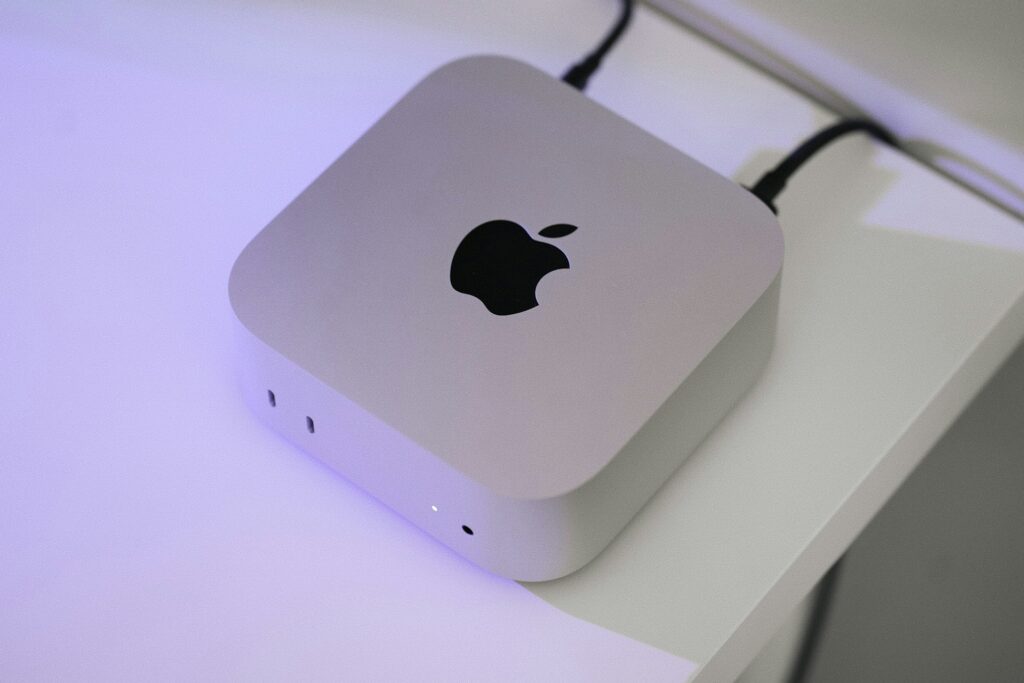
More small businesses are moving their Mac-based teams to cloud tools, and there’s a good reason for it. Apple cloud computing services offer flexibility, security, and a smoother way to get work done without needing to be tied to an office or a single device.
As spring gets busy, teams need ways to stay connected while working on the go. Whether it’s time spent in meetings, jumping between projects, or managing things remotely, cloud access helps keep everything running. It’s not just about ease of use, either, as the switch to cloud services is helping businesses plan for growth, deal with unexpected outages, and avoid being slowed down by old systems.
For those already using Macs, that shift feels natural. Apple services are built to support the way Mac users work, which makes the move feel less like starting over and more like finally getting all the pieces to fit together.
Why the Cloud Makes Sense for Mac-Based Teams
When your team works in a Mac environment, things tend to run best when devices are synced and apps talk to each other. Files saved on one computer should show up on another without needing email or flash drives. That’s where cloud services help the most.
Here are a few common reasons why Mac-based teams are shifting away from on-site setups:
- Apps, settings, and storage stay in sync across devices, which means less time spent troubleshooting or calling for help
- Sharing files or working on the same document at the same time feels easier, which improves how people work together
- Local storage or physical file servers can be harder to manage, especially when teams are hybrid or fully remote
Spring is often a season for planning and growth, especially for small businesses in Greensboro, North Carolina. It’s when hiring may ramp up or teams get ready for summer travel and events. Cleaning up old systems and switching to a cloud setup helps make that growth smoother and easier to manage.
Easy Integration with Tools Apple Users Already Know
One of the things that makes Apple cloud services appealing is how familiar they feel to Mac users.
If you’ve worked on a Mac before, you probably already know tools like iCloud Drive, Apple Mail, Notes, and Calendar. With cloud syncing turned on, these tools follow you from one device to the next. That means less need for extra training and fewer questions about how to get started.
Cloud syncing matters especially for:
- Staff using multiple devices such as MacBooks, iPads, or iPhones
- Teams working across locations or tapping in from home a few days a week
- Managers needing access to reports, files, or shared folders while traveling
The setup is built to work without much effort. Most of the tools are already on your Mac, and connecting them through the cloud only takes a couple of steps. Once it’s running, changes made on one device show up on the others like clockwork, which can help your team work faster and cleaner.
How Security Stays Strong with Cloud-Based Apple Services
Security and convenience don’t have to be opposites. Apple’s cloud tools are built with both in mind.
When storms roll through North Carolina or the power flickers during a spring afternoon, automatic backups give you a safety net. Files aren’t stuck on a single laptop at risk of crashing or getting lost. Instead, cloud backups give your team a way to pick up where they left off without scrambling.
Here’s how the security side plays a big role:
- End-to-end encryption helps protect messages, files, and shared items from unwanted eyes
- Backups happen behind the scenes, so no one has to remember to click Save or copy folders before heading out
- Files stored in the cloud stay recoverable even if a device is dropped or damaged
Strong security doesn’t have to be complicated. It’s built into how the system works. That lets small businesses stay safe without having to think about every little detail.
The Flexibility Your Team Needs This Spring
Flexibility is quickly becoming more of a need than a nice-to-have. Between remote work, spring events, and the start of long weekends or vacation planning, your team probably isn’t all in one place at the same time.
Cloud access makes it possible to keep everyone moving:
- Files are available from anywhere with an internet connection, whether someone’s in the office or at a local coffee shop
- Updates done in real time keep everyone on the same page, even across time zones or odd hours
- Projects don’t get stuck waiting until Monday when people can log in from wherever they are
For businesses in Greensboro, North Carolina, that can be an advantage during spring when travel picks up and schedules stretch. Instead of having to pause work when someone is out or on the road, the rest of the team can keep moving.
A Smarter Way to Work with Your Mac-Based Team
Apple cloud computing services aren’t just about storage space or faster syncing. They bring your tools together in a way that feels natural for Mac-based teams. You don’t have to rebuild your entire system to get better results. You just connect the pieces that are already there.
We see more businesses making the switch this time of year because spring forces a new pace. The days get busier, the projects get more involved, and the need to stay secure and connected only grows. By making the move now, your team can be ready for what comes next, without tech slowing you down.
This spring is an ideal opportunity to optimize how your Mac-based team works in Greensboro, North Carolina. At Trinity Solutions Inc., we connect the dots so that your iPhones, iPads, and MacBooks perform seamlessly, ensuring your files, settings, and workflows remain within reach wherever your day takes you. Learn how Apple cloud computing services can support your business goals, and let us help you make the most of your technology investment.